
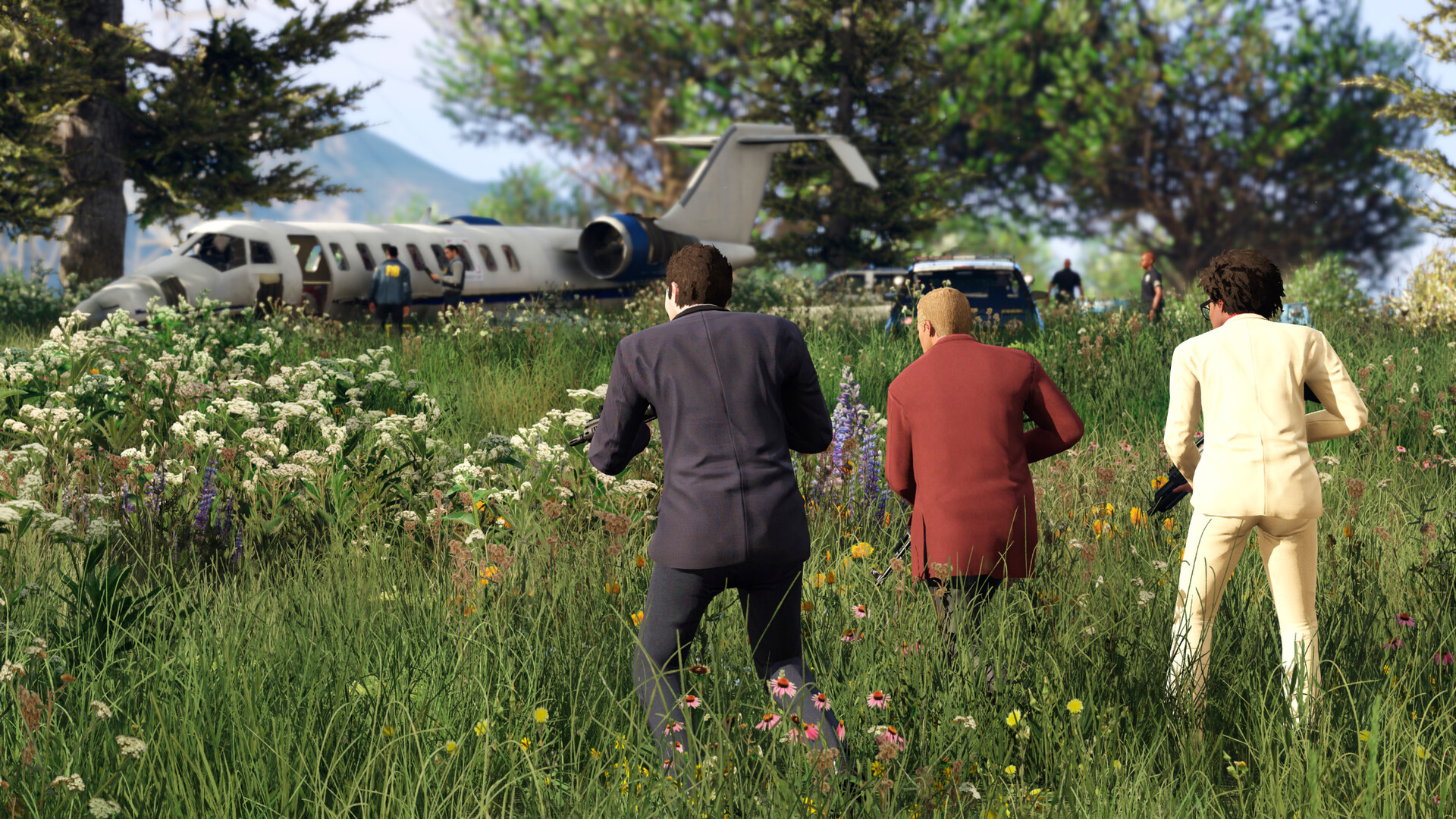
Swimming starts automatically in Grand Theft Auto V: walk or jump into deep water and your character begins to tread water. Learning how to swim in GTA 5 properly is mostly about two things, swimming faster on the surface and handling the inverted controls once you dive. Here is how both work in Story Mode and GTA Online.
New here from our GTA 5 homepage? These are the official PC, PlayStation and Xbox controls.
Swimming Controls
| Action | PC | PlayStation | Xbox |
|---|---|---|---|
| Swim (move) | W, A, S, D | Left stick | Left stick |
| Swim faster | Hold Left Shift | Tap or hold Cross | Tap or hold A |
| Dive from the surface | Spacebar | R1 | RB |
| Swim forward underwater | Left Shift | Cross | A |
| Go deeper | W + Left Shift | Left stick up | Left stick up |
| Swim up to the surface | S + Left Shift | Left stick down | Left stick down |
| Attack (knife or melee) | R | Circle | B |
The underwater controls are inverted, much like flying a plane: pushing forward takes you down and pulling back brings you up. If your layout feels different, check Settings: the Sprint Mode option changes whether you tap or hold the swim button.
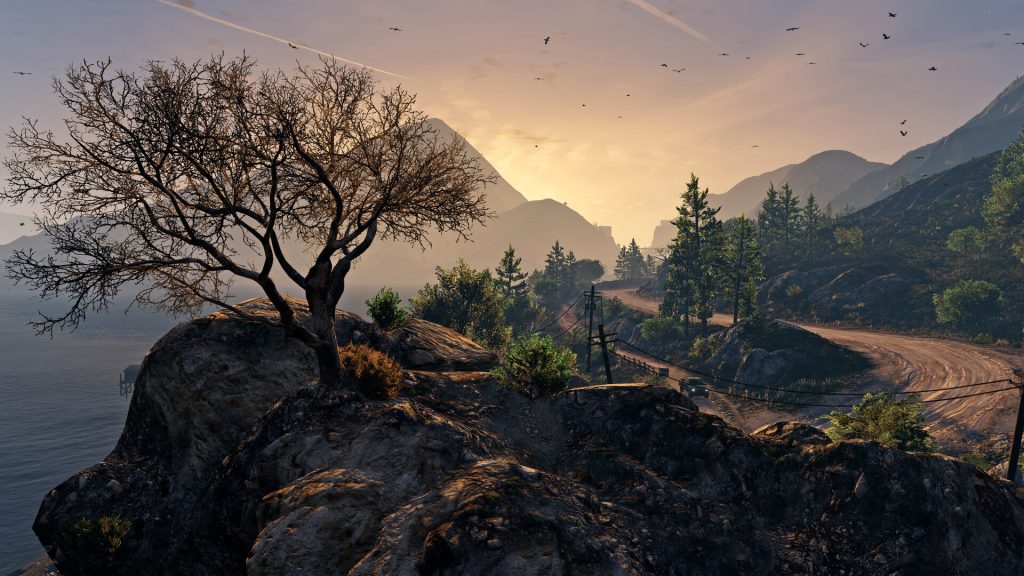
How to Dive and Swim Underwater
- Swim into water deeper than your character is tall.
- Press the dive button. Jumping in from a height also takes you straight under.
- Hold the swim button to move forward, steering with the stick or A and D.
- Pull back (S on PC) while swimming to come up.
According to the GTA Wiki, swimming deep helps you lose a wanted level, and you can use a knife underwater.
Oxygen, Lung Capacity and Stamina
When you dive, a blue oxygen bar appears next to your health. Once the oxygen runs out, you lose health quickly and can drown, so surface before it runs out.
How long you last depends on the Lung Capacity skill. It improves the more time you spend swimming underwater. Swimming on the surface also trains Stamina, which lets you swim faster for longer. In Story Mode each character’s stats improve separately.
Dangers in the Water
The ocean around San Andreas is home to tiger sharks, which the GTA Wiki says can kill you instantly with a bite. Stay near the shore at first, and leave the water if you see one.

Where Swimming Matters
In Story Mode, swimming is part of missions such as Daddy’s Little Girl, Monkey Business and the freighter option of The Merryweather Heist, plus the Triathlon races and the Death at Sea side job, where you dive for submarine pieces. In GTA Online, the same mechanics return in jobs such as The Humane Labs Raid and The Cayo Perico Heist. Some missions provide scuba gear, which keeps you under far longer.
Franklin gets plenty of water time too. For more on him, read our Franklin Clinton guide.
FAQs
How do you swim faster in GTA 5?
Hold Left Shift on PC, or tap or hold Cross on PlayStation and A on Xbox. Higher Stamina lets you keep it up for longer.
How do you go underwater?
Press Spacebar on PC, R1 on PlayStation or RB on Xbox while swimming. Jumping in from a height also dives automatically.
How do you swim up in GTA 5?
Underwater controls are inverted. Hold S with Left Shift on PC, or pull the left stick down on a controller.
How do I stay underwater longer?
Raise the Lung Capacity skill by swimming underwater, or use scuba gear when a mission provides it.

Pranav Iyengar is a long-time gamer who first explored Los Santos on a borrowed PS3 in 2013 and has replayed GTA V on PC and PS5 many times since. He writes the guides on GTA Pocket Hub in plain language, covering official ways to play, phone and PC settings, missions and safety. He holds no gaming qualifications; every tip comes from his own playthroughs and testing.
Read all of Pranav’s guides